🎮💻 Best PC Specs for Gaming and App Development in 2025
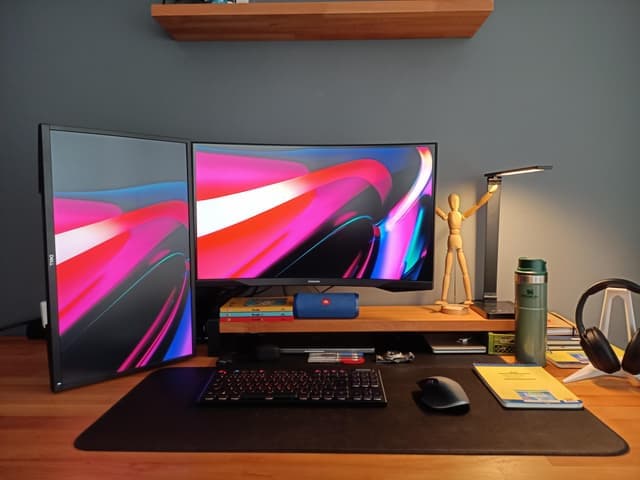
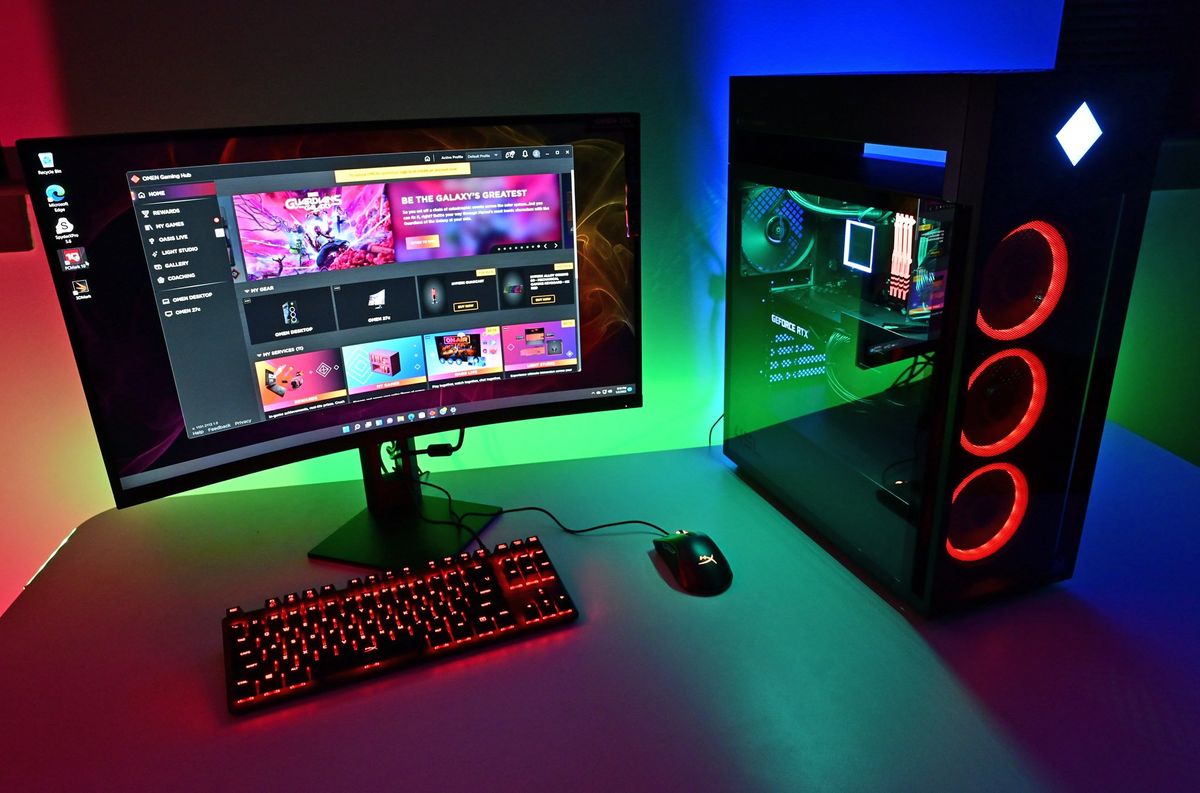
If you're someone who enjoys gaming after hours and coding during the day, you're in a unique but growing group of digital multitaskers. Choosing the right PC setup that supports both high-end gaming and serious application development can be tricky — but highly rewarding when done right.
In this blog post, we'll break down the ideal PC specs for those who want seamless performance in both game worlds and codebases.
🧠 1. Processor (CPU): Your PC’s Brain
👨💻 For Development:
You'll want a multi-core processor to handle:
IDEs (VS Code, IntelliJ, Xcode)
Compilers
Docker containers
Virtual machines
Emulators
🎮 For Gaming:
Modern games utilize multiple cores but also benefit from high single-threaded performance.
✅ Recommendation (as of 2025):
Intel Core i7-14700K / i9-14900K
AMD Ryzen 7 7800X3D / Ryzen 9 7950X
💡 Tip: AMD’s 3D V-Cache CPUs like the 7800X3D offer exceptional gaming performance without compromising multitasking.
🎮 2. Graphics Card (GPU): For Rendering and More
👨💻 For Development:
Not always essential, unless you work with:
Game development (Unreal, Unity)
AI/ML (TensorFlow, PyTorch)
Video rendering or 3D modeling
🎮 For Gaming:
Absolutely crucial for smooth frame rates at high resolutions.
✅ Recommendation:
NVIDIA RTX 4070 Super / 4080 / 4090
AMD Radeon RX 7900 XTX
💡 For most devs, the RTX 4070 Super hits the sweet spot between cost and CUDA-core support for ML workflows.
⚡ 3. RAM: For Multitasking and Memory-Hungry Workloads
👨💻 For Development:
Multiple browser tabs + IDEs + databases eat RAM.
Running Docker or Android emulators? You'll need more.
🎮 For Gaming:
16GB is the bare minimum. 32GB ensures future-proofing.
✅ Recommendation:
32GB DDR5 RAM (6000 MHz or faster)
Consider 64GB if you use VMs or containers regularly.
⚙️ 4. Storage: SSDs Over Everything
👨💻 For Development:
Fast SSDs make builds, cloning, indexing, and loading projects faster.
🎮 For Gaming:
Games load significantly faster from NVMe SSDs.
✅ Recommendation:
1TB NVMe Gen4 SSD (for OS + apps + core tools)
Optional: Secondary 2TB SSD/HDD for games or backups
💡 Go Gen5 if your motherboard supports it, but Gen4 is fast enough for most needs.
🖥️ 5. Monitor: For Eyes and Efficiency
👨💻 For Development:
A dual-monitor setup is a big productivity boost.
Look for 1440p or 4K, ideally 27” or more.
🎮 For Gaming:
1440p @ 144Hz is the sweet spot for performance and quality.
4K @ 120Hz+ for high-end rigs.
✅ Recommendation:
One 144Hz gaming monitor + One 4K IPS monitor for coding/design
🔌 6. Other Essentials
Motherboard: Look for ATX boards with good VRM, PCIe 5.0 support.
Power Supply: At least 750W 80+ Gold, more if you’re using high-end GPUs.
Cooling: AIO liquid cooler or high-end air cooler for stable thermals.
Case: Good airflow, noise-dampening preferred (Fractal, Lian Li, NZXT are great brands).
🧑💻 Sample Build for Dev + Gaming in 2025
Component Model Example :
CPU AMD Ryzen 7 7800X3D
GPU NVIDIA RTX 4070 Super
RAM 32GB DDR5 (6000 MHz)
Storage 1TB NVMe Gen4 SSD + 2TB HDD
Motherboard X670E or Z790 ATX
PSU 850W 80+ Gold
Monitor 27" 1440p 144Hz + 4K 60Hz IPS
Cooling 280mm AIO Liquid Cooler
🧠 Conclusion: Balance is Key
Whether you're compiling a full-stack web app or diving into immersive AAA titles, a balanced PC can handle both worlds efficiently. Investing a bit more up front in RAM, CPU, and GPU ensures you’re set for the next several years.
🚀 Ready to build your ultimate hybrid workstation? Make sure to future-proof where it counts, and don’t skimp on cooling or quality parts.